Python从入门到精通全60集,高清网盘下载
PLM之家NX CAM二次开发专题模块培训报名开
二次开发编译器Visual Studio版本匹配常见
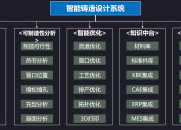
智能铸造系统插件发布 -欢迎广大企业前来咨
支持 VS 2022 之下版本的 番茄助手,VC助手
支持VS2010,2012,2013,2015,2017,2019
用UG二次开发可不可以做出类似PTS的功能
一种快速复制官方标准对话框的路径方法,图
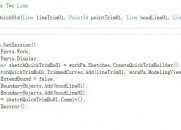
显示部件和工作部件不一致时程序运行异常
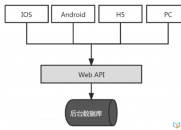
什么是RESTful
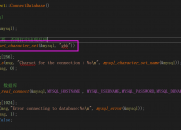
MySQL 链接数据库的方法,出现乱码,注意设
【装配系列视频免费在线学习地址发布】大家
PLM之家NX高级仿真视频-CAE学习入门全部免
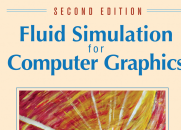
一本关于流体计算的好书分享:Fluid Simula
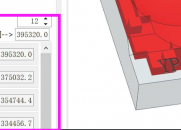
一种自定义颜色条的方法,直接可以用,可以

NX2406 版本后二次开发环境变化实践:如何
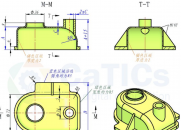
【第一周课后作业】 建模练习 :通过表达式

【第一周课后作业】 建模练习 :叉架类零件
【Aras二次开发】获取下一个流程状态2018-8-1 13:46:23 2385 0 |


微信公众号

 |小黑屋|PLM之家-专注工业软件生态建设,大模型CAD创新生态
Powered by plmhome! X3.5|By plmhome20201011版






 发表于 2018-8-1 13:46:23


